

Group
The Group field wraps related fields inside a <fieldset> with an optional legend, giving your forms clear visual structure. It's great for organizing sections like "Billing Address" or "Company Details" into a single unit. Conditions work on groups too, you can show or hide an entire set of fields based on another field's value.
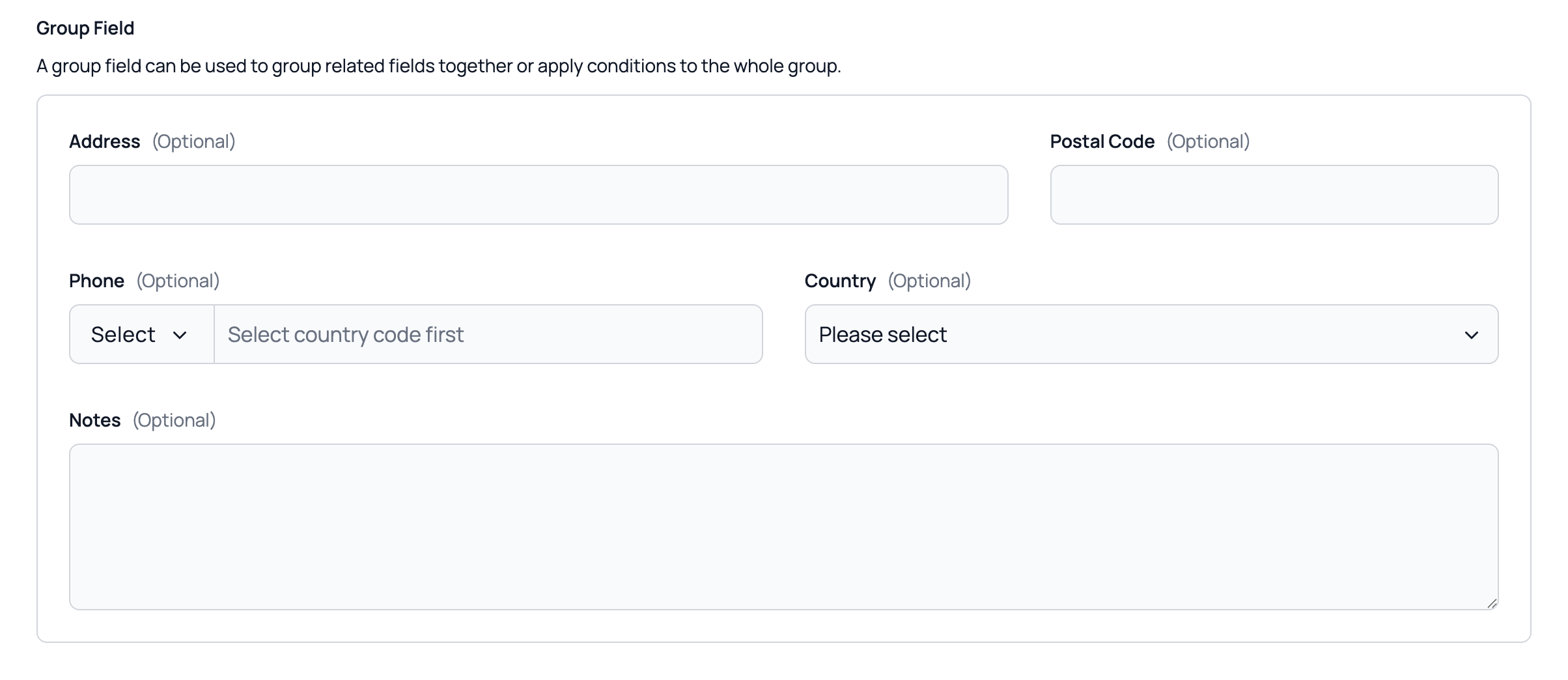
Basic Group
A simple group of related fields.
Statamic Field Configuration:
- Field Type: Group
Example:
handle: address
field:
  type: group
  display: Address
  fields:
    -
      handle: street
      field:
        type: text
        display: Street
        validate: required
    -
      handle: city
      field:
        type: text
        display: City
        validate: required
    -
      handle: zip
      field:
        type: text
        display: ZIP Code
        validate: required
Validation
Validation rules are set on each sub-field. Data is submitted using dot notation (group.field), which maps directly to Laravel's nested validation.
TIP
Group fields are fully compatible with Laravel Precognition for real-time validation.
Conditions
You can apply conditions to entire group of fields to conditionally show sub-fields so they're only required when visible.
Best Practices
- Use groups to organize logically related fields (e.g., address, contact info, payment details)
- Keep the number of sub-fields reasonable — if a group has too many fields, consider splitting into multiple groups
- Use the
displayvalue to give each group a clear heading